Generate your New Jersey Engineer andLand Surveyor Stamp instantly
- STATE BOARD APPROVED
- HIGH-QUALITY FILES IN VARIOUS FORMATS
- INSTANT ACCESS
- FREE-OF-CHARGE REVISIONS
Your board-compliant seal will be ready for download after purchase
File formats
HIGH-QUALITY RASTER FORMAT
VECTOR FORMAT, INFINITELY SCALABLE
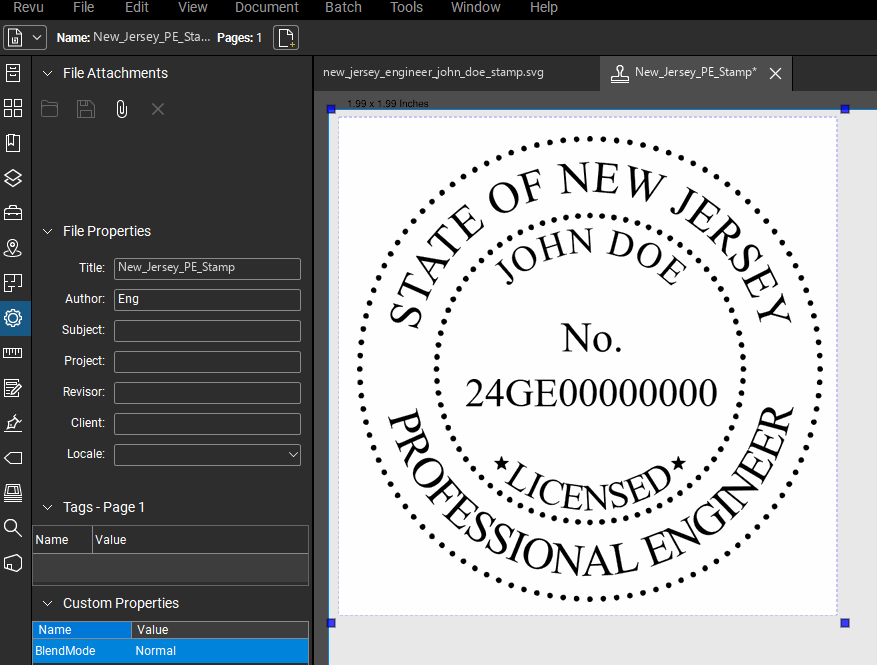
UNIVERSAL DOCUMENT FORMAT
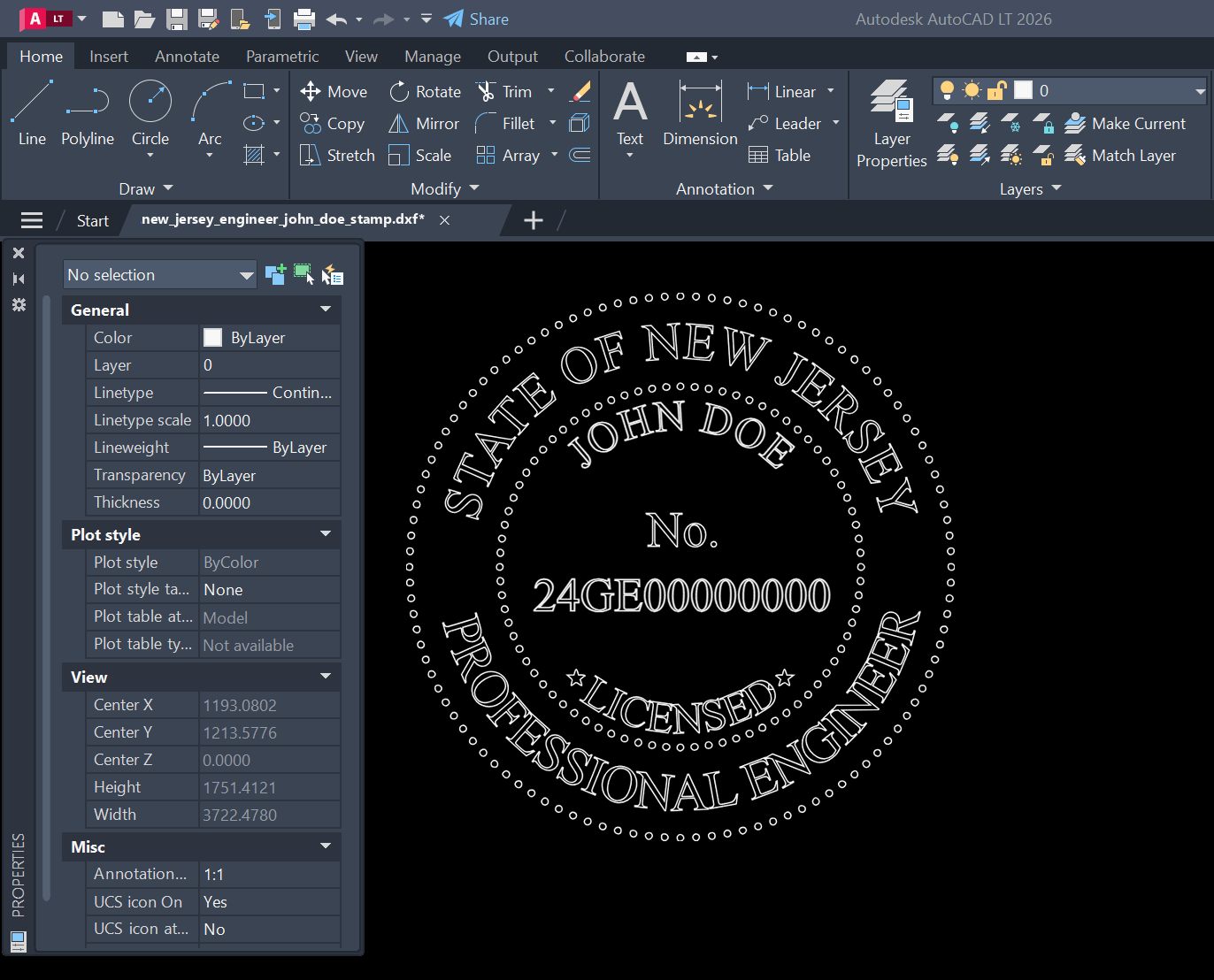
AUTOCAD COMPATIBLE FORMAT
PROFESSIONAL PRINT FORMAT
How it works
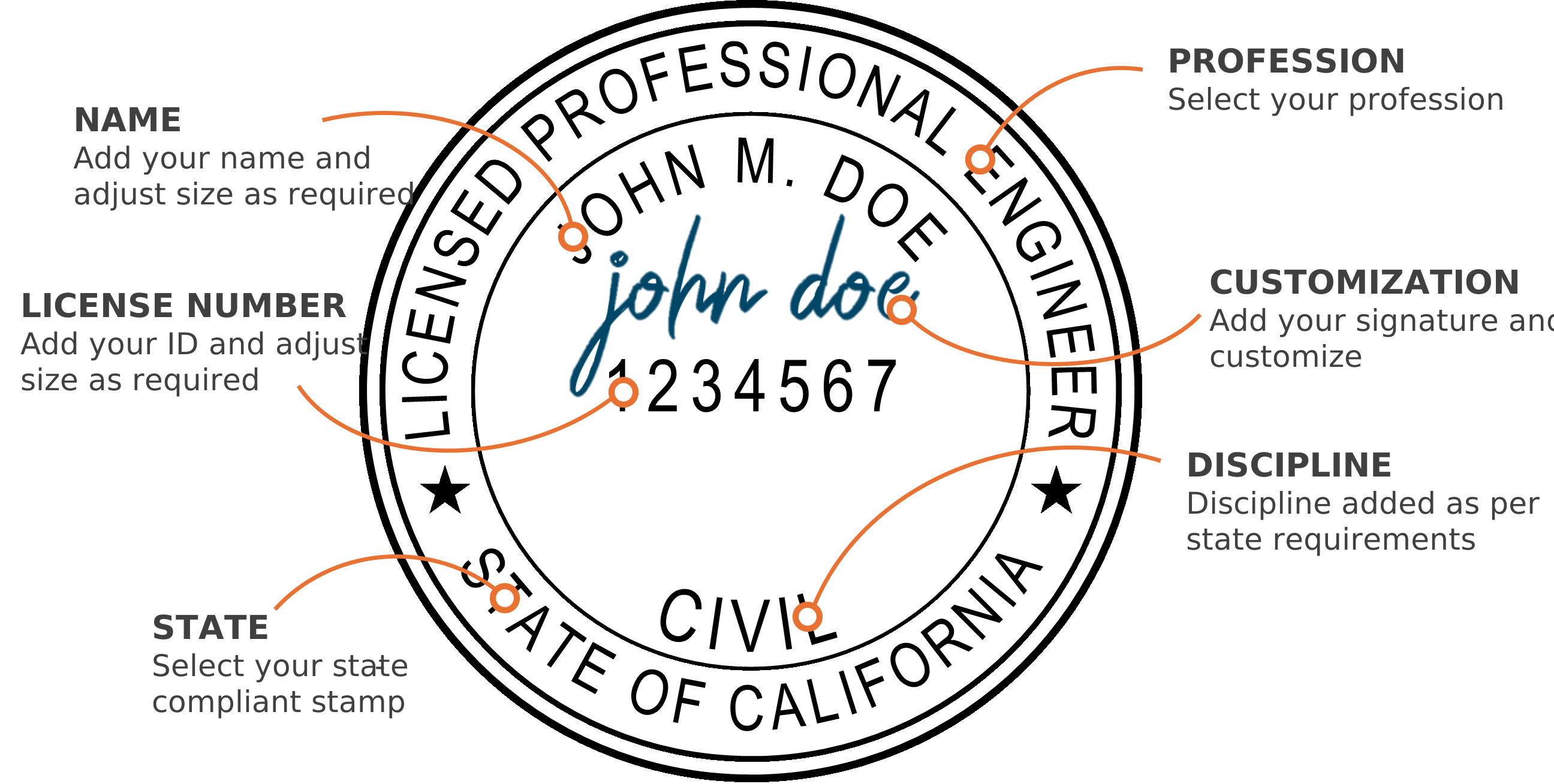
Select your state & profession
Add your name & license number
Adjust the text size using the controls
Select your discipline
Add your signature & customize (optional)
Download instantly to your computer
Software compatibility


Who we are
Our digital PE stamp generator creates instant state-approved electronic professional engineer and architect stamps. Our platform provides full customization of your digital seal, including an option to add your signature. Professional Engineer (PE) stamps, Architect stamps, and Land Surveyor stamps are available for immediate download after customization. There is no waiting. Every electronic professional seal we generate is 100% compliant with state board requirements, ensuring your digital stamp meets all necessary standards.
State boards


This is the combined stamp: both licenses, engineer and land surveyor, on one seal. It is offered here in two versions of the same design, one setting the state name across a single line and one wrapping it onto two, so you can match the seal your drawings already carry. Type in your name and license number, check it on screen, and download PNG, PDF, SVG, DXF and DWG.
FAQ
Common questions about the new jersey engineer and land surveyor digital stamp.
The wording is identical in both; they differ only in whether the state name is set across one line or wrapped onto two. Take the one that matches the seal your drawings already carry. The state board, not this site, sets seal requirements.
Yes. The stamp is generated in your browser from the name and license number you type in, and the preview is the same artwork you download. Payment comes after you are satisfied with what is on screen.
Insert the DWG or DXF in CAD, or place the transparent PNG on a PDF in Bluebeam, Acrobat or similar. The PDF and SVG versions are vector, so they scale and print without softening at the edges.