Generate your Minnesota Soil ScientistStamp instantly
- STATE BOARD APPROVED
- HIGH-QUALITY FILES IN VARIOUS FORMATS
- INSTANT ACCESS
- FREE-OF-CHARGE REVISIONS
Your board-compliant seal will be ready for download after purchase
File formats
HIGH-QUALITY RASTER FORMAT
VECTOR FORMAT, INFINITELY SCALABLE
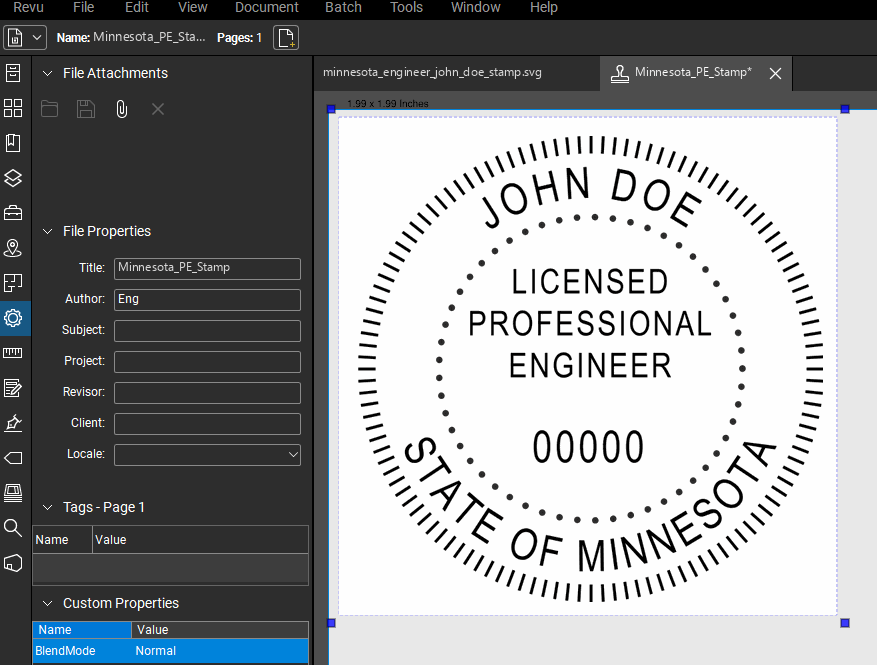
UNIVERSAL DOCUMENT FORMAT
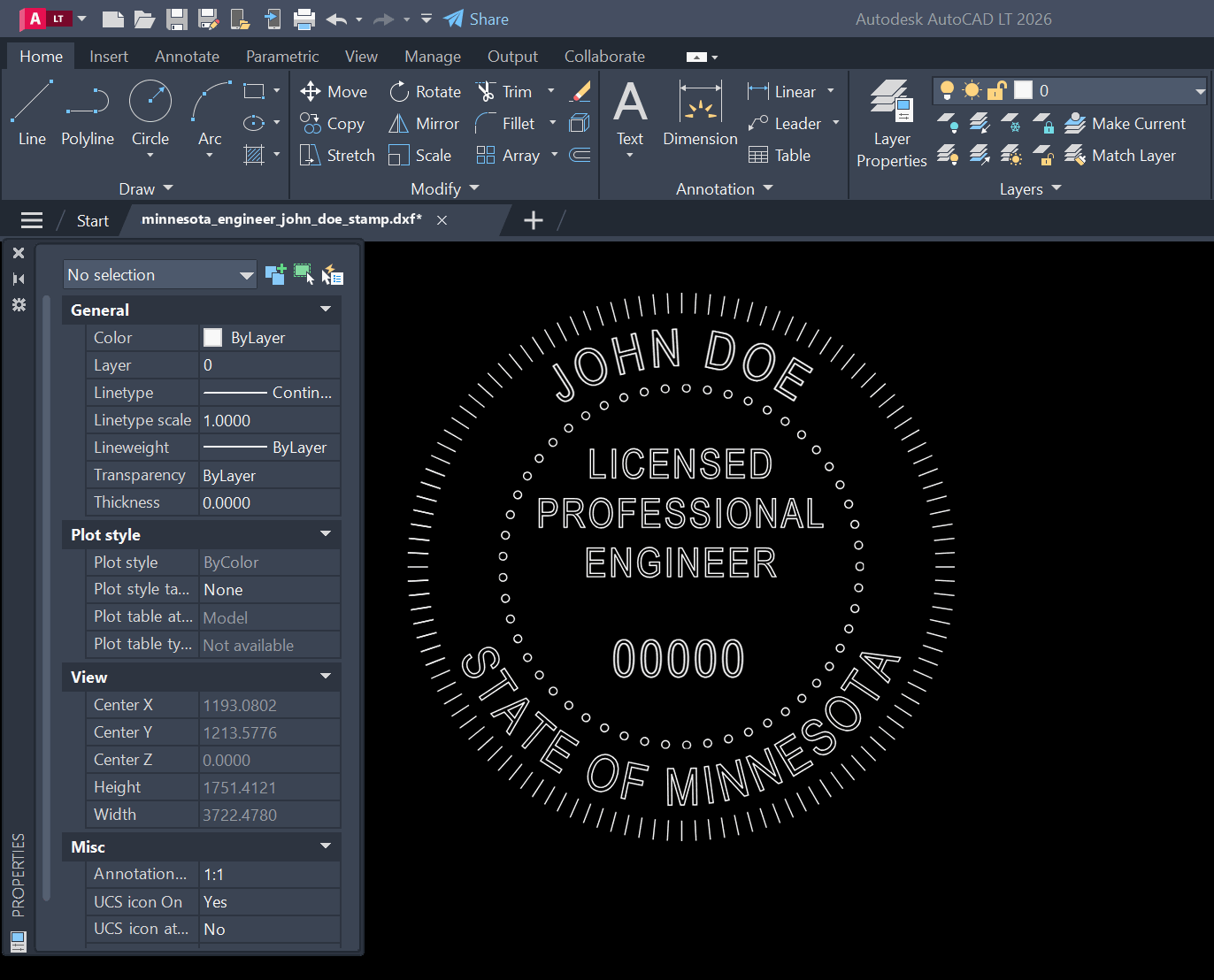
AUTOCAD COMPATIBLE FORMAT
PROFESSIONAL PRINT FORMAT
How it works
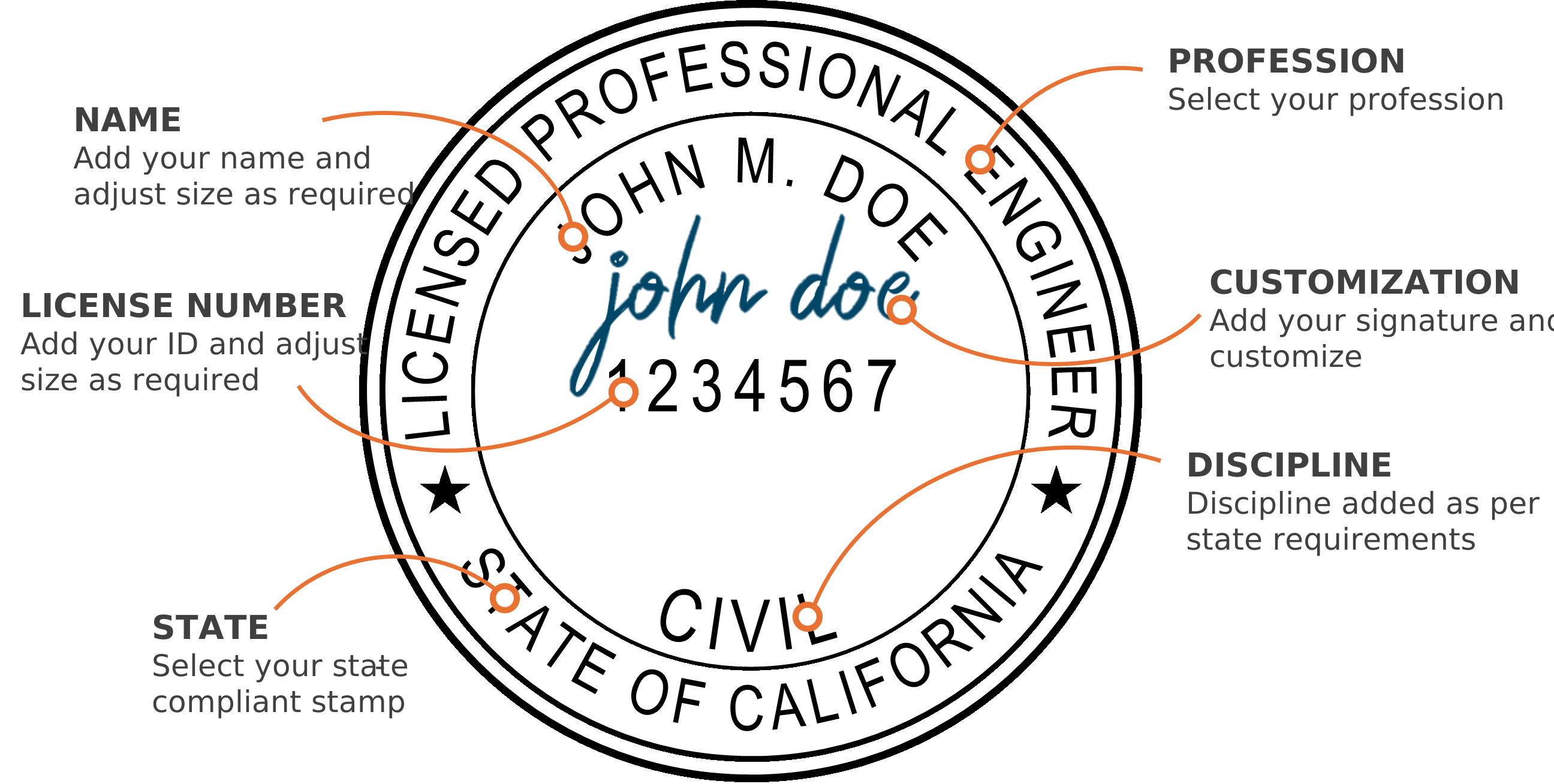
Select your state & profession
Add your name & license number
Adjust the text size using the controls
Select your discipline
Add your signature & customize (optional)
Download instantly to your computer
Software compatibility


Who we are
Our digital PE stamp generator creates instant state-approved electronic professional engineer and architect stamps. Our platform provides full customization of your digital seal, including an option to add your signature. Professional Engineer (PE) stamps, Architect stamps, and Land Surveyor stamps are available for immediate download after customization. There is no waiting. Every electronic professional seal we generate is 100% compliant with state board requirements, ensuring your digital stamp meets all necessary standards.
State boards


Minnesota licenses professional soil scientists through the Board of Architecture, Engineering, Land Surveying, Landscape Architecture, Geoscience, and Interior Design, the same board behind its engineers, surveyors and geologists. This one is a rectangular certification block rather than a round seal: a certification sentence above ruled lines for signature, name, date and license number. Type your details, read the preview, download the files.
Issued by Board of Architecture, Engineering, Land Surveying, Landscape Architecture, Geoscience, and Interior Design (Minnesota) — official source.
FAQ
Common questions about the minnesota soil scientist digital stamp.
Minnesota Rules 1800.4200 makes a signed, dated certification on the documents mandatory, and 1800.4300 describes the seal as something that may be used in addition to it. The file follows that shape, leaving the signature line empty for you.
Your name and license number are typed in and become part of the image. The signature and date lines are left ruled and empty, so you sign and date the document itself, by hand or with whatever electronic signature your practice already uses.
Five renderings of the same block: PNG with a transparent background, vector PDF, SVG, DXF and DWG. PNG and PDF suit reports and PDF plan sets, DXF and DWG drop into CAD. All of it is generated in your browser from the preview you approved.